v42 KNOWN GOOD What Qiln protects
A production AI workflow is more than just source code.
Production AI workflows combine definitions, models, private assets, services, dependencies, routes, tests, and external side effects. Qiln captures the deployable system as a versioned capsule, not as one file or graph.
- Keep workflow definitions, models, private assets, services, dependencies, routes, tests, and outputs together.
- Protect systems that matter when you need to change, move, upgrade, or let an agent edit them.
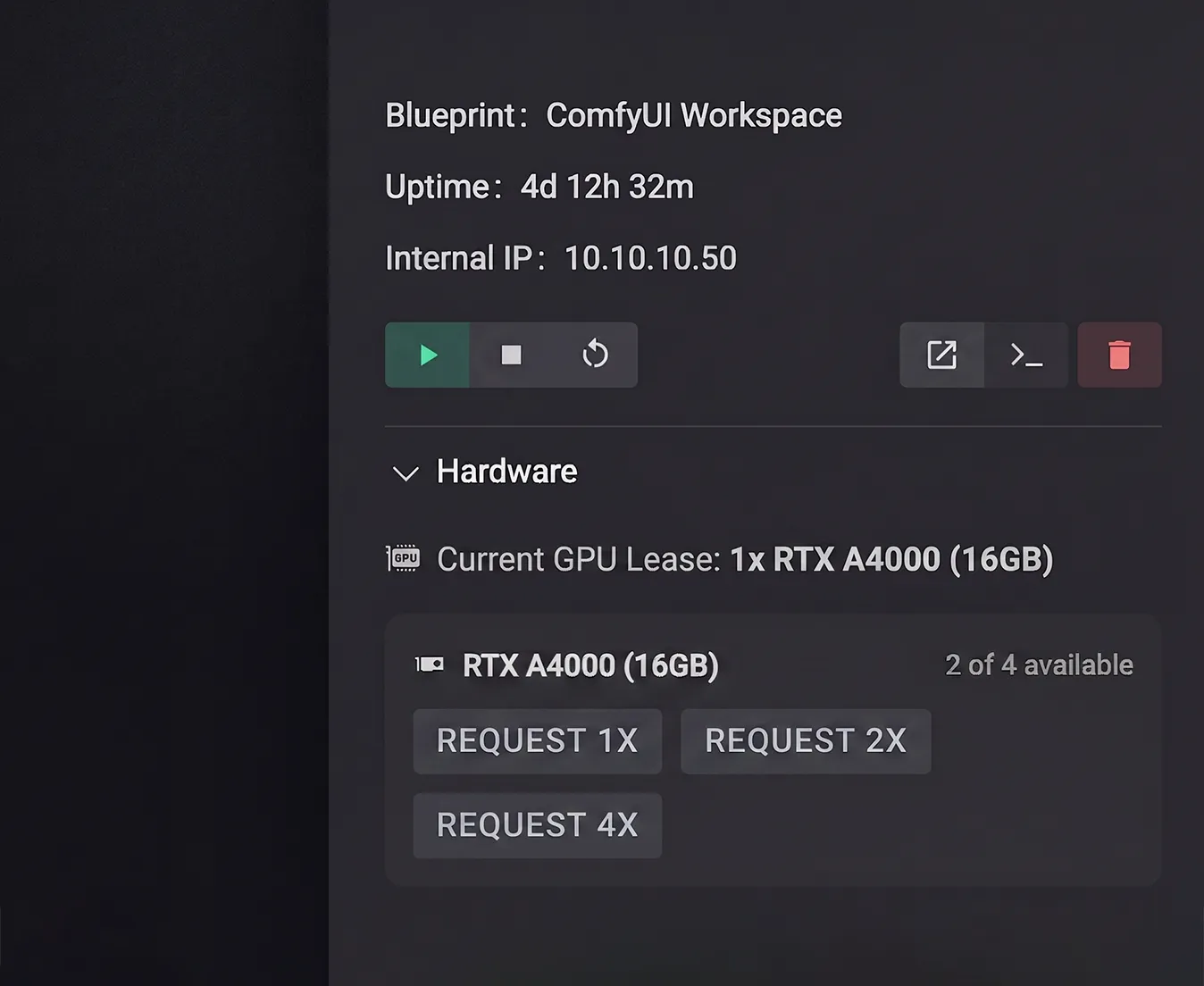
Agent-safe branches
Agents get forks, not production.
Humans and agents work in forked capsule branches instead of editing production. Each branch follows a controlled path: edit the workflow system, run golden tests, inspect the capsule diff, and promote an approved version.
- Use scoped credentials and keep production secret references out of branches.
- Block, log, mock, or approval-gate external calls during tests to enforce a side-effect policy.
- Require human or separate-policy approval to promote. Rollback restores capsule state and route aliases, not completed external calls.
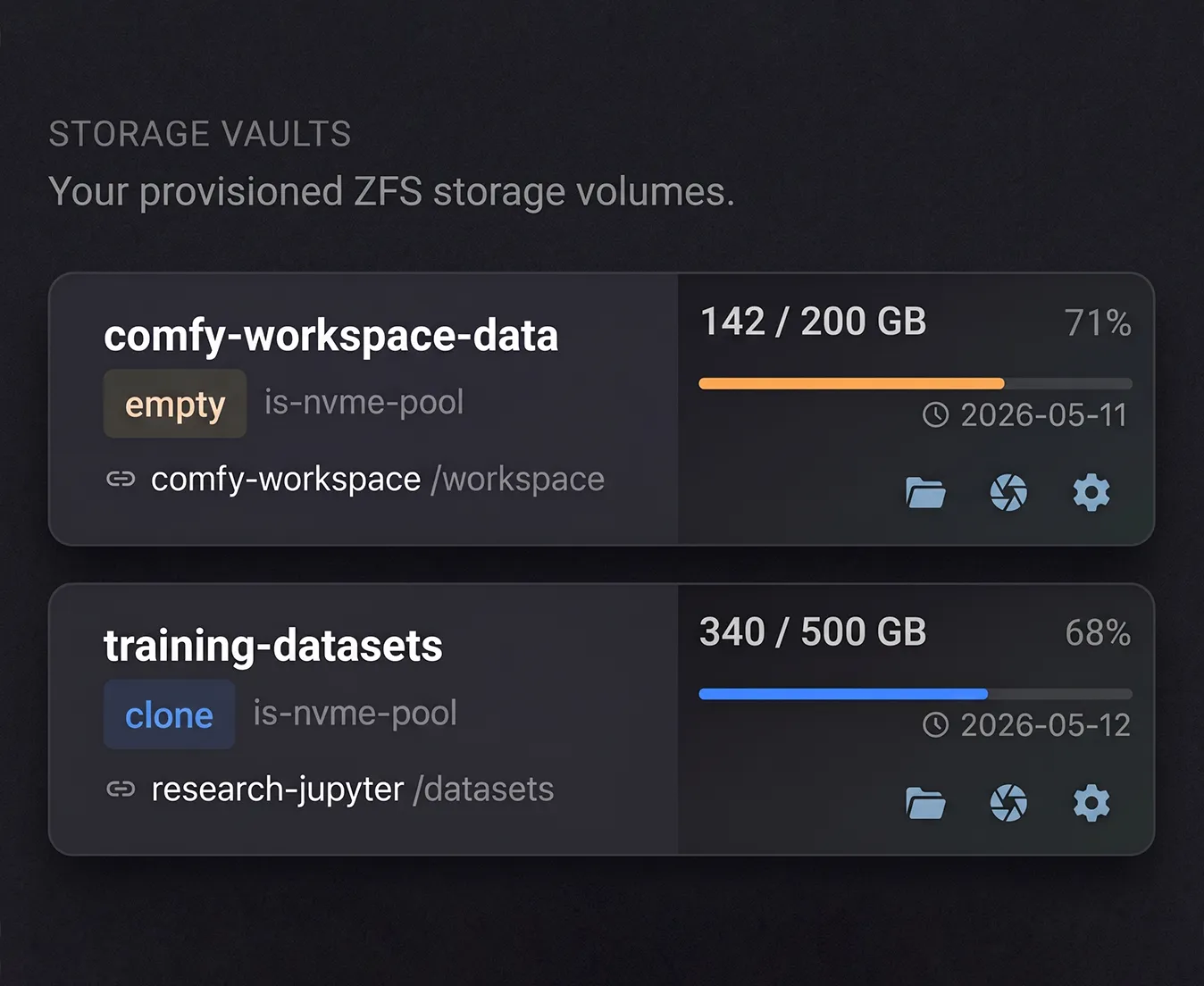
Qiln Blueprints
A blueprint defines a versioned AI workflow capsule.
comfyui-workspace.yaml
schema_version: 1
name: ai-workflow-capsule
display_name: AI Workflow Capsule
description: Versioned Python and PyTorch workspace with a writable branch and a read-only shared model mount.
provisioning:
  volumes:
    - name: workspace
      type: clone
      mount_path: /workspace
      shifted: true
      readonly: false
    - name: shared-models
      type: bind
      mount_path: /workspace/models
      shifted: true
      readonly: true
runtime:
  config:
    security.privileged: 'false'
    nvidia.runtime: 'true'
    boot.autostart: 'false'
snapshot_capture:
  policy_version: 1
  instance_rootfs:
    mode: rebuildable
  artifact_roots:
    - id: workspace
      volume: workspace
      required: true
  external_mounts:
    - volume: shared-models
      required: true
      dependency:
        kind: model_vault
        logical_id: shared-models
Writable branch workspace
Each branch uses a writable cloned workspace instead of sharing mutable project files.
Read-only model boundary
Shared models mount read-only, so a branch can use them without modifying the shared dependency.
CUDA at the runtime boundary
nvidia.runtime enables NVIDIA runtime support for CUDA workloads. Keep GPU runtime configuration outside the Python workspace.
Explicit snapshot boundaries
Snapshot capture rebuilds the instance root filesystem, records workspace state, and treats shared models as an external immutable dependency.
This compact example shows capsule boundaries. Deployment-specific image, storage-pool, seed-volume, network, and route values are configured per environment.
Questions
Qiln FAQ
A Qiln capsule is the versioned, deployable state around a working production AI workflow system.
It can include workflow definitions, models, assets, scripts, services, dependencies, routes, credential references, tests, side-effect policies, snapshots, and rollback metadata.
A capsule is not just source code, a workflow export, a graph file, a container, or a GPU machine.